
Charlotte, NC
BlogOctober 17, 2026

An S3 File Gateway on Proxmox as a Plain SMB Share

Blake McCarn
An S3 File Gateway on Proxmox as a Plain SMB Share
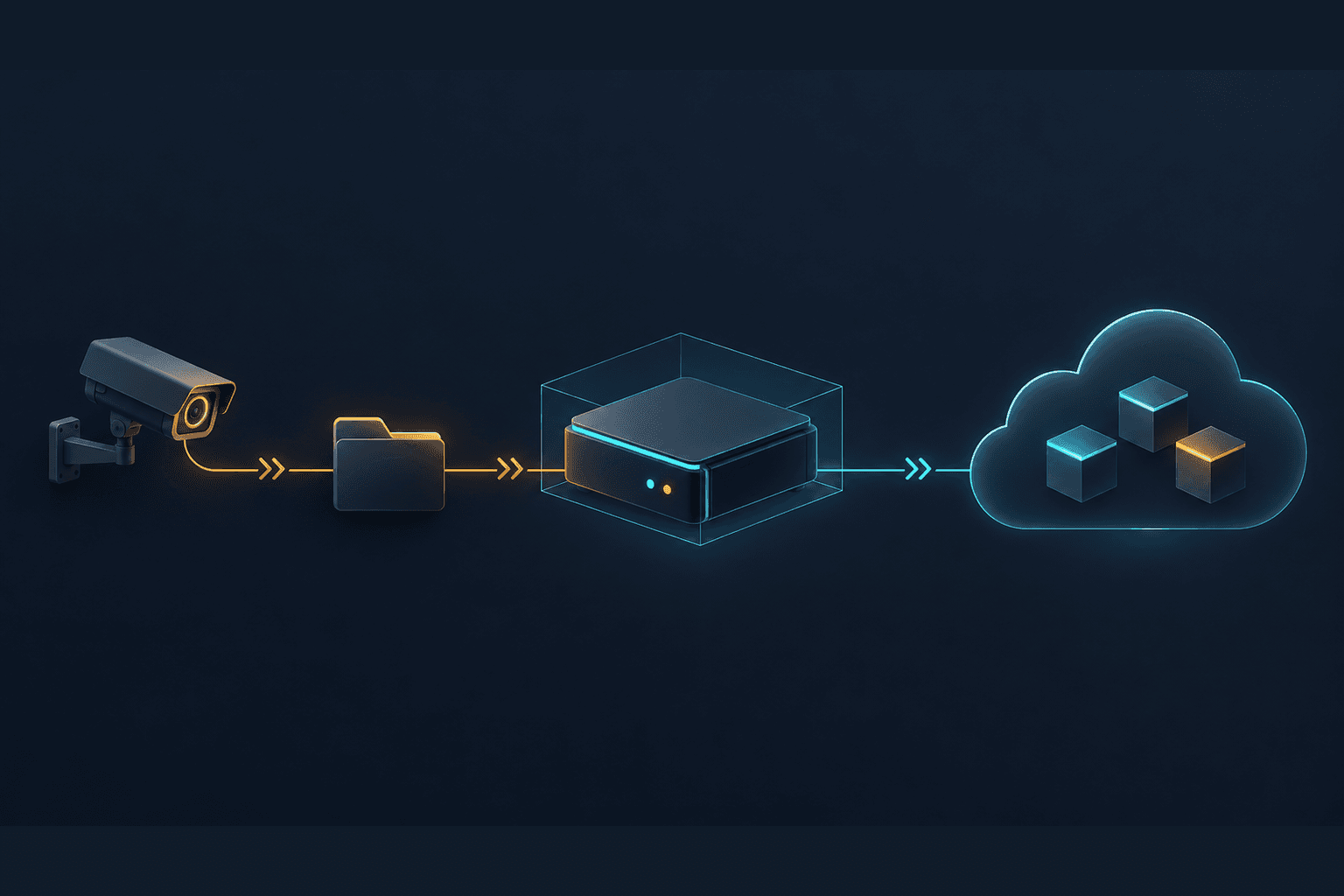
I wanted UniFi Protect recordings in S3 without another machine copying them there every night. Protect could archive to a network share, but the destination I wanted was a bucket. An S3 File Gateway running on Proxmox let me connect the two without changing anything on the NVR beyond its archive target. The useful part is how ordinary it looks from the client. Mount an SMB share, write a file, and the gateway uploads it to S3. The device needs no AWS credentials or S3 sync client. Ubiquiti's archiving documentation lists Google Drive, OneDrive, Dropbox and NAS destinations. It doesn't list a native S3 target. I used the NAS option with an SMB share backed by S3 instead of local NAS storage. The archive path looks like this: This is an export destination, not a replacement for the NVR's recording storage. Protect still owns recording and archiving. The gateway accepts its files and handles the upload. I checked the path with a disposable write, read and delete before pointing Protect at it. Then I checked real output. Protect finalized two MP4 files through SMB, and both appeared in S3 with the Intelligent-Tiering storage class, under Protect's own dated folder layout. A successful share mount would not have proved that last part. Once that worked, I removed the NAS destination this path was replacing. I kept a second local NAS archive target alongside the gateway. The off-site copy is useful, but it still depends on the gateway and my internet connection getting the upload finished. AWS S3 File Gateway is a virtual appliance with SMB and NFS interfaces, a local cache, and an S3 backend. Files become ordinary S3 objects that AWS applications can also read. It isn't a proprietary backup container that requires the original appliance to unpack. I deployed the KVM appliance on Proxmox with 4 vCPUs, 16 GiB of memory, an 80 GB system disk and a separate 500 GB cache disk. Those are my deployment sizes, not a sizing recommendation for every workload. AWS documents KVM as a deployment platform; my use of Proxmox should not be read as a separate AWS certification of the hypervisor. The cache matters. A write accepted by the local share is not proof that the object is safely in S3 yet. Uploads are asynchronous. A busy archive job or an internet outage can leave data waiting locally, so the cache disk and its capacity are part of the protection story until those uploads finish. Terraform manages the gateway's AWS resources, shares, bucket configuration, IAM access and CloudWatch log group. The VM is also in my homelab infrastructure code. The NVR's choice of archive destination remains an application setting. That split follows the same approach I described in Terraforming My Homelab: keep infrastructure reproducible without pretending every application setting belongs to the same tool. One appliance serves two shares. My general-purpose share uses a bucket in the gateway's AWS account. The Protect archive share uses a bucket in a different account. AWS supports that cross-account bucket configuration, provided the IAM role and bucket policy allow it. The gateway role has data access; the client only has SMB credentials. Adding the archive share did not require another VM. The archive share writes new objects with the S3 Intelligent-Tiering storage class. That is a share setting, not a bucket-wide default storage-class switch. My general drop folder still writes to S3 Standard. S3 Intelligent-Tiering moves eligible objects that have not been accessed for 30 days into Infrequent Access, then into Archive Instant Access after 90 days without access. Both remain low-latency tiers. There is a monthly monitoring and automation charge per eligible object. Objects smaller than 128 KB stay in Frequent Access and do not incur that monitoring charge. That fits footage I want to retain but may never open. I don't have to predict which individual export will matter later. It also isn't a claim that every file has already moved to a cheaper tier. My upload test proved the storage class, not the later access-tier transitions. The names can be misleading. Archive Instant Access is different from the optional Archive Access and Deep Archive Access tiers. Those optional tiers require asynchronous restoration. AWS's File Gateway storage-class guidance warns against using them when applications expect to read the files through the share. A normal SMB read can time out while the object needs restoration. For an archive that I deliberately retrieve through a separate restore process, a lifecycle transition to Glacier Flexible Retrieval or Deep Archive could make sense. I would choose that only after deciding how long retrieval can take and what it costs. I wouldn't apply it to a folder people expect to browse and open normally. Glacier Instant Retrieval is another distinct class, and AWS does not officially support it with File Gateway. AWS also recommends considering lifecycle transitions rather than writing directly to cheaper classes, especially for files that change or disappear soon after upload. My direct Intelligent-Tiering choice is for finalized exports. A folder full of temporary files or repeated rewrites deserves a different cost check. The general-purpose bucket has versioning, SSE-S3 encryption, blocked public access and bucket-owner-enforced ownership. Its lifecycle removes noncurrent versions after 90 days. The archive share also uses SSE-S3 and bucket-owner-enforced ownership. Versioning has a cost beyond the obvious second copy. AWS documents that File Gateway operations can create additional object versions, including metadata changes and some multi-step write patterns. A folder that looks small from an SMB client can consume more S3 storage once older versions are counted. Deletes propagate too. I verified that with the disposable test file. A network share backed by S3 does not become an immutable backup merely because the destination is remote. Retention and recovery policy still need their own decisions. There is also a gateway upload charge on top of S3 storage and requests. The Storage Gateway pricing page lists the current regional rates and allowances. Intelligent-Tiering monitoring, retained versions, CloudWatch usage and applicable data-transfer charges belong in the estimate too. I chose this for compatibility and convenience, not because it makes cloud storage free. For a home setup, the first awkward detail is authentication. File Gateway offers Active Directory authentication or password-protected guest access. It does not give me a normal local-user database where I can create a separate account for each device. With guest access, the username is fixed as smbguest. I set the password and use that identity on the clients. Named users and group-based access mean joining Active Directory instead. My gateway requires SMB encryption, and the share stays on private networks. Guest access is still a shared credential, with the accountability and isolation limits that implies. I would not use this arrangement as a substitute for per-user access controls in a larger environment. The appliance also isn't a Linux server I administer over SSH. I use its local console and AWS's management interfaces. AWS-managed software updates have a maintenance window. The image doesn't run the Proxmox guest agent, so I don't expect the hypervisor's guest-agent view to tell me its address. DNS and the network reservation handle that. Before planned VM maintenance, I check that dirty cache data has drained. The files already uploaded to S3 and the files still waiting in the local cache are different recovery situations. The other share is a general handoff folder. My machines can mount it with their normal SMB clients. The same hostname works on the LAN and remotely through Tailscale subnet routing and my DNS setup, following the private-access model in Tailscale First, Cloudflare Tunnel Still in the Stack. I don't expose SMB to the internet. That is where this becomes useful beyond cameras. A scanner with a compatible SMB implementation, a NAS job that exports to a share, or older software that only knows how to save to a network folder could use the same pattern. Those are possible uses, not devices I've tested on this gateway. Protocol version, encryption support and the application's file-writing behavior still need checking. Native S3 support can make the gateway unnecessary. UniFi Drive can back up to S3 directly. If the files already live on that NAS and its backup job does what I need, I would use that instead of adding a VM to the path. Protect's archive destination and Drive's backup destination are different features, even though both have UniFi in the name. For Protect, the gateway removed a separate upload job. For my other machines, it gives me a shared folder without distributing AWS credentials or maintaining an S3 client on each one. That's enough reason for me to keep it, even with the appliance, cache and billing details that come with it.
  • Proxmox running the AWS S3 File Gateway KVM appliance
  • SMB shares for UniFi Protect archives and a general handoff folder
  • S3 Standard and S3 Intelligent-Tiering, selected per share
  • Terraform for infrastructure and AWS access policies
  • CloudWatch for gateway health and logs
  • Tailscale subnet routing and DNS for private remote access
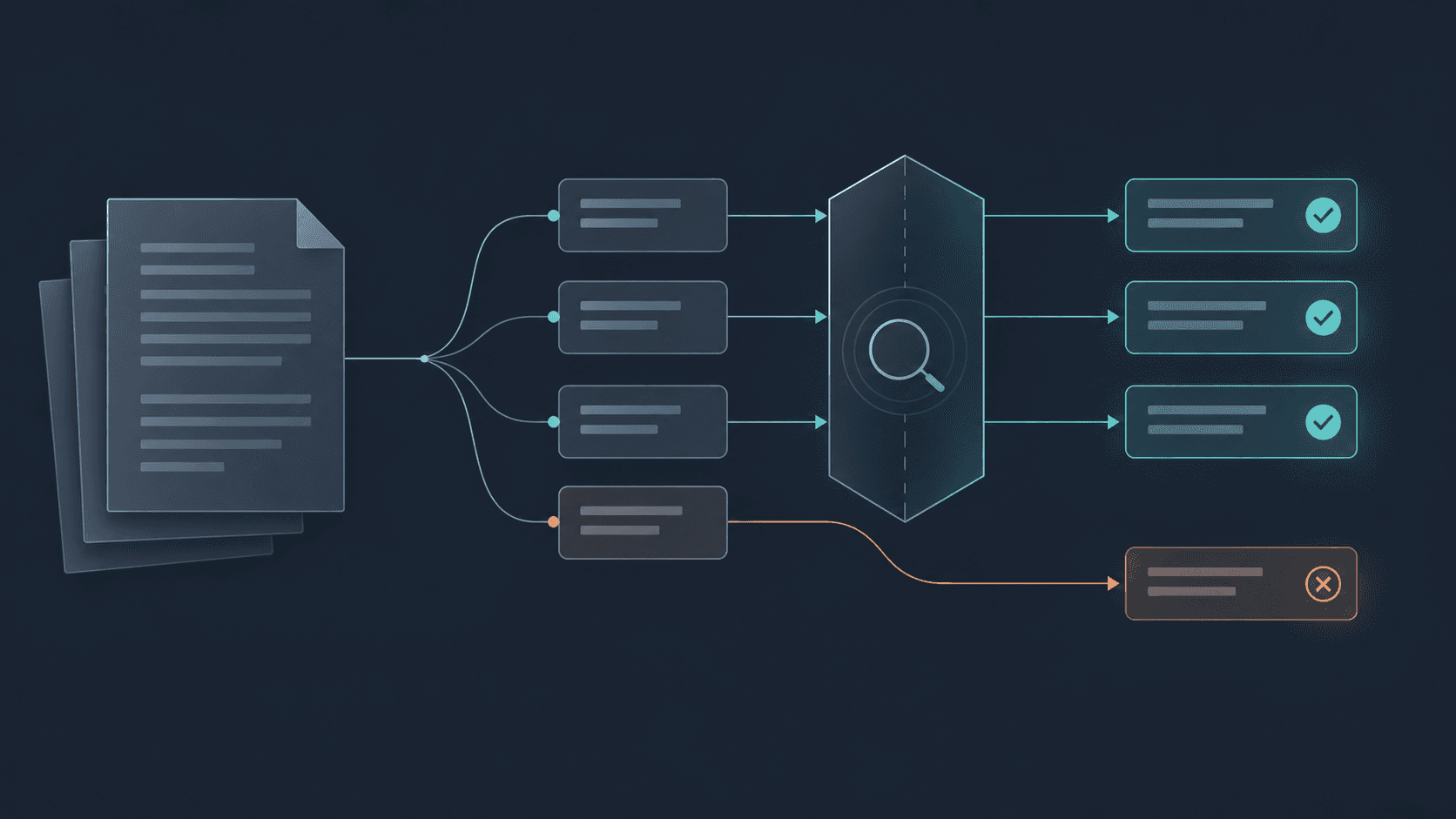
The check I care about is still the one I ran before switching Protect over. Write a real file through the client, find the resulting object in S3, and make sure the contents can be read back. A mounted share is only the beginning of that test.
Share this post: